The Challenge
Cheap LED badges from AliExpress typically only work with proprietary mobile apps. I wanted full programmatic control—custom fonts, OSC integration, and command-line tools.
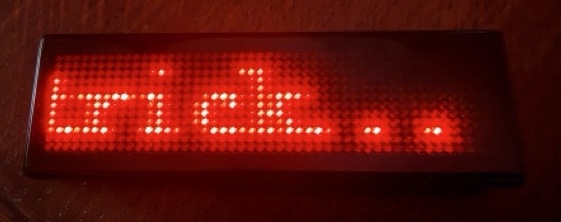
Why? well that’s a good question. I feel it could be useful to have a little matrix display that is controllable remotely – albeit near-remote as the range isn’t going to be huge. But could be fun to also see if it can be hardware hacked to have a permanent power feed. But that’s for the future.
Now I worked with Claude.AI to do this reverse engineering. I had started to do it on my own using traces and manually looking through for the packets and bytes that we were interested in – but I am not a native reader of binary and even less familiar with any typical encoding methods used for these things. So beyond using nRF Connect to inspect some characteristics, and establishing that I had caught the right things in the trace, I had managed to write some python code to find and connect to the device – and to see that connection happening on the badge.
But it wasn’t till I started exploring it with Claude Code that I started to ask the right questions – and one of the key thngs is that Claude had detected the possibility of AES encryption – something that I would never have thought of. That meant some more web research could find other things we could try.
So here is a summary of the process that Claude Code and I took to get to the result.
Phase 1: Traffic Capture
We started by capturing Bluetooth traffic between the official app and the badge using:
- Apple’s Bluetooth Debug Profile on iOS/macOS to capture HCI-level BTSnoop logs
- LightBlue for initial BLE service discovery
- Wireshark for packet inspection
This produced .btsnoop and .pklg trace files capturing real app interactions.
Phase 2: Binary Parsing
We wrote custom Python parsers (parse_btsnoop.py, parse_pklg.py) to extract ATT Write operations from the binary trace formats. This revealed encrypted 16-byte packets being sent to specific GATT characteristics.
Phase 3: Key Discovery
The packets were clearly AES encrypted. We initially tried the “Shining Masks” protocol key from similar badges—it didn’t work. Searching GitHub revealed the idealLED project with a different key: 34 52 2A 5B 7A 6E 49 2C 08 09 0A 9D 8D 2A 23 F8. This decrypted the traffic perfectly.
This feels like a bit of a lucky break really!
Phase 4: Command Protocol Analysis
With decryption working, we could see ASCII commands like LEDON, LEDOFF, MODE, SPEED, LIGHT, DATS, and DATCP. We documented the packet structure:
[length_byte][command_ascii][args][zero_padding to 16 bytes]Phase 5: Font Extraction
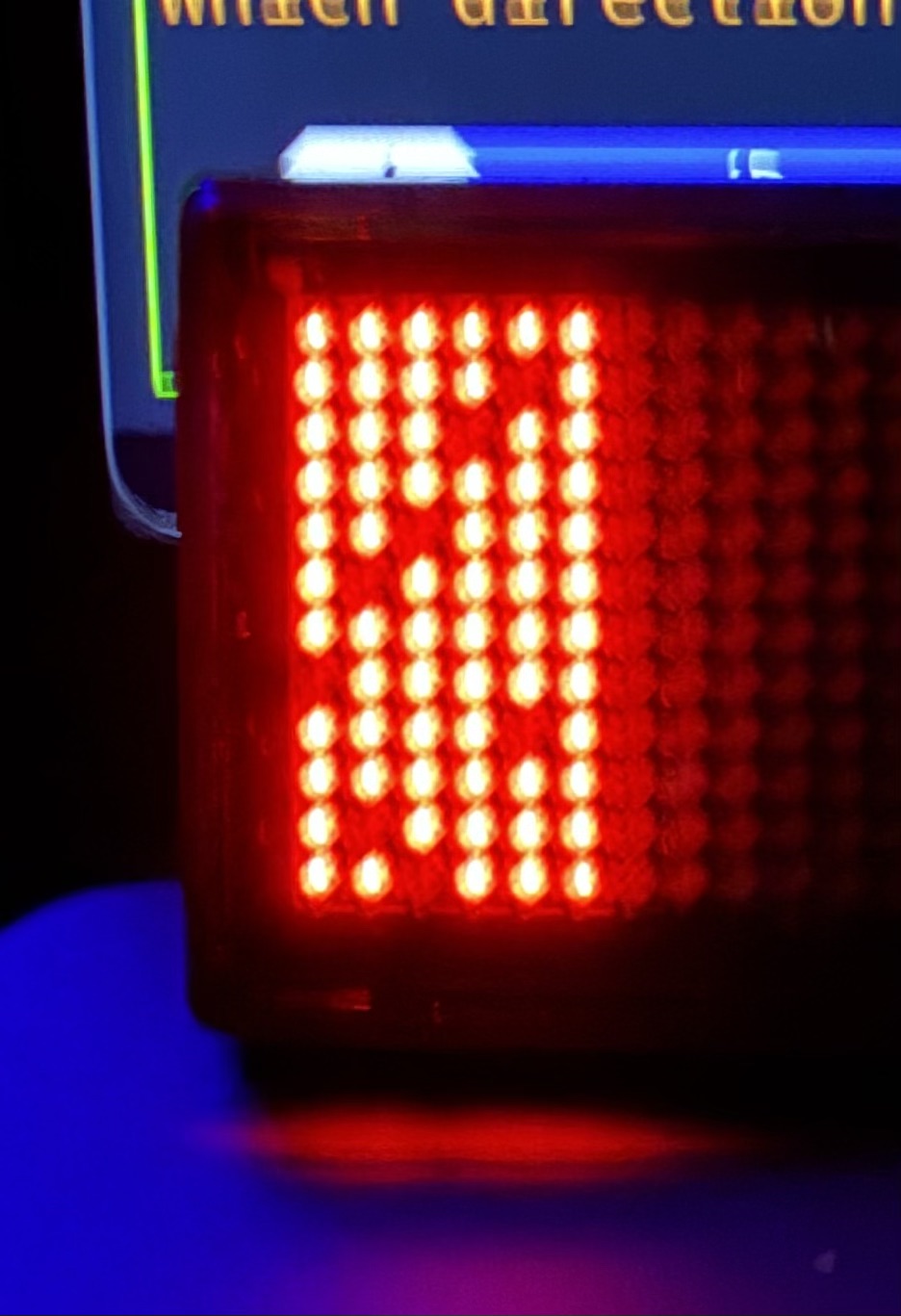
The trickiest part was understanding the 6×12 pixel character encoding. We captured a trace of the full alphabet (alphabet-trace.btsnoop), then wrote analyze_alphabet_trace.py to decrypt and visualise each character bitmap. This revealed an interleaved nibble layout across 9 bytes per character.
We sent various byte patterns to the badge to ‘show up’ where the bits were being written to.
Phase 6: Systematic Experimentation
The /experiments/ folder contains ~10 failed attempts—wrong headers, wrong characteristics, wrong data formats. Each failure narrowed the search space. Preserving these dead-ends proved invaluable for debugging.
The Result
A complete Python library with CLI, a web-based font editor, and an OSC server for creative tool integration—all without any manufacturer documentation.
The web based font editor can even connect to the badge directly (if chrome has it’s bluetooth connection capability enabled) so that characters can be tried out on the badge to see how it looks
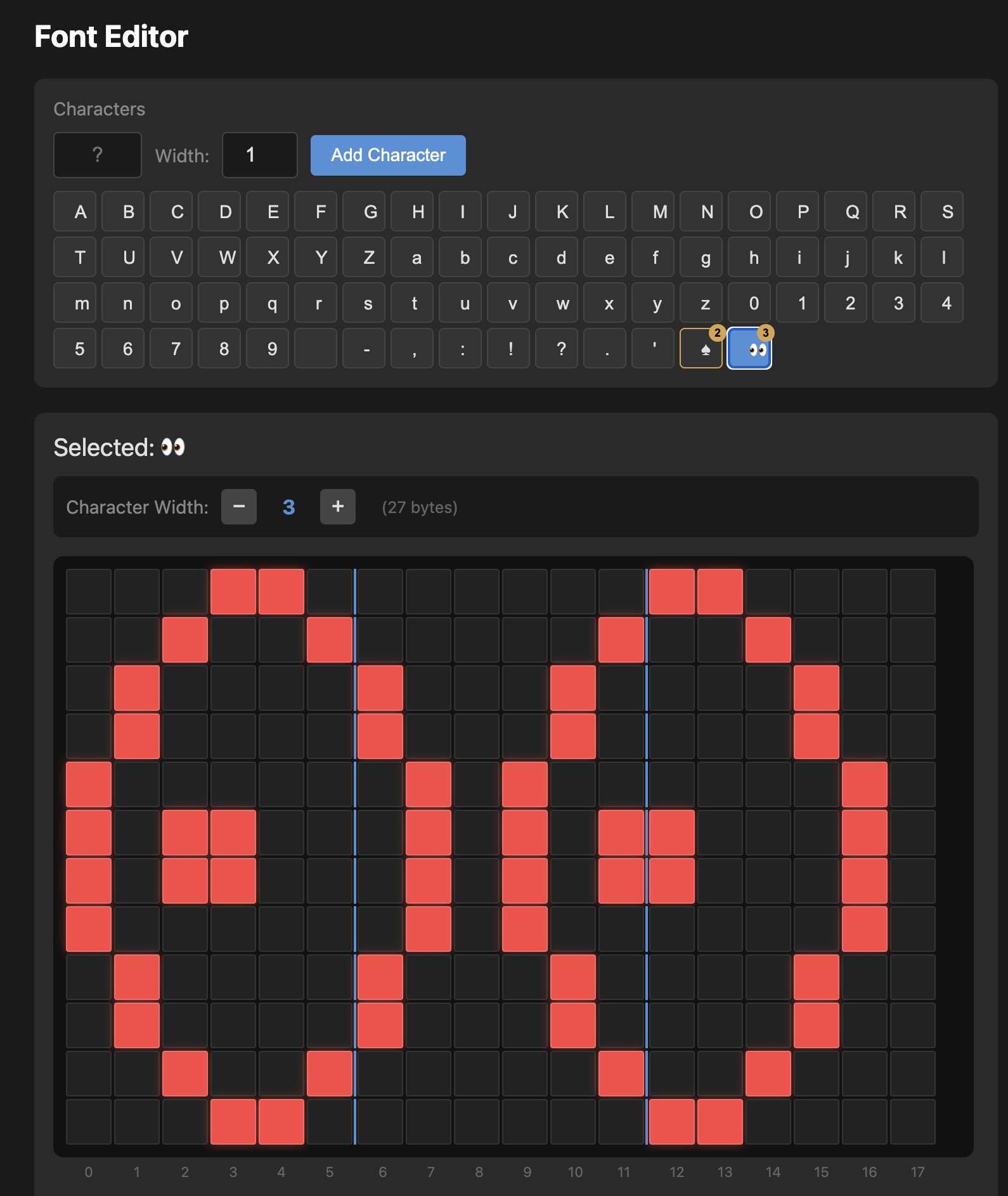
I’ve pushed the code live and it can be found open source on github
https://github.com/timhodson/ble-led-badge
Key Takeaways
- Capture real traffic first—don’t guess at protocols
- Search for similar projects—someone may have already found the encryption key
- Keep failed experiments—they document what doesn’t work
- Visualize your data—plotting character bitmaps revealed encoding patterns that hex dumps obscured